
Salesforce editions
NAVIGATING YOUR OPTIONS
Salesforce editions: Which license is right for your business?
Choosing your business's Salesforce edition can feel a bit like exploring a vast menu of features and pricing models. If you have ever experienced analysis paralysis when evaluating options, tools, and platforms, you are certainly not the first organization to face this challenge.
Salesforce editions vary by Cloud, meaning your total costs depend on which specific tools and platforms your operations require. While Service and Sales Cloud editions use per-user pricing, Marketing Cloud options are charged with flat fees regardless of team size.
ESSENTIALS TIER
Salesforce Essentials: Built for small teams
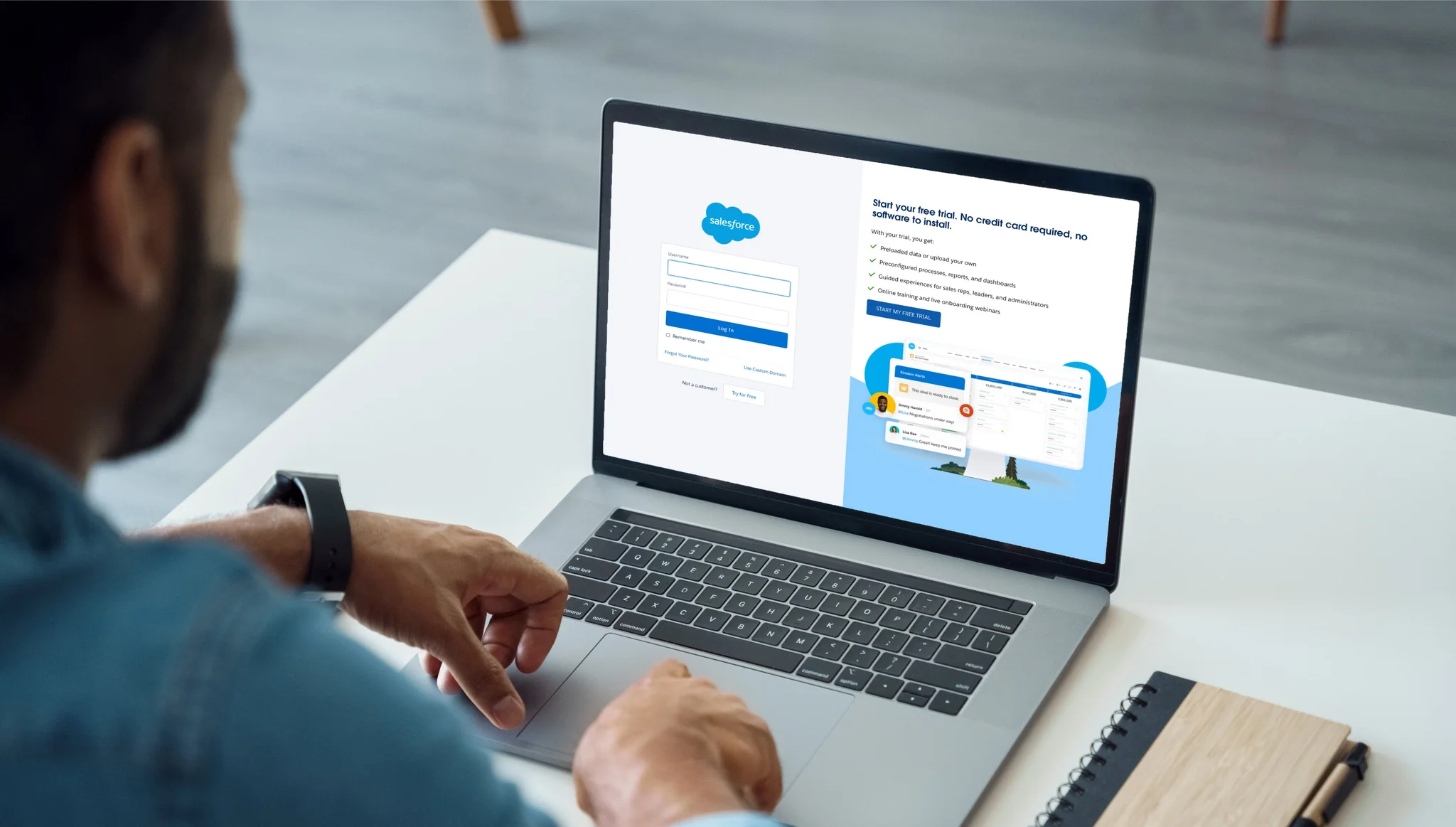
Salesforce Essentials provides streamlined core functionality for Service and Sales Cloud users. Tailored specifically for small teams of up to ten users, it includes entry-level process automation for sales and marketing functions.
This edition suits startups and smaller businesses seeking straightforward CRM features without extensive customizations or complex integrations, offering essential tools to track and manage everyday customer interactions.

ESSENTIALS FEATURES
What is included in the Essentials edition?
Essentials delivers foundational tools designed to help small teams establish effective customer management processes quickly and efficiently.
- Lead management for tracking and qualifying prospective customers.
- Campaign management to build marketing efforts and connect across multiple channels.
- Email integration with email clients and productivity tools to collect actionable interaction data.
- Mobile apps for seamless communication, scheduling, and distributed team management.

Exploring Professional, Enterprise, and Unlimited editions
Understanding the distinct tiers helps organizations match their current scale and future growth targets to the right CRM capability.
The Professional edition is ideal for small and mid-sized businesses managing full sales cycles with real-time insights, forecasting, and user profiles. It includes lead scoring and collaborative forecasting to help teams predict and plan sales activity effectively.
As organizations expand, Enterprise and Unlimited editions offer advanced configuration, custom applications, territory management, and robust reporting. These tiers support high-volume operations, complex approval workflows, and deep integration potential.

Aligning your CRM with operational goals
Selecting a Salesforce license requires a clear view of how your CRM should support current workflows and future scaling. By mapping internal requirements to specific edition capabilities, technical leaders can build a productive platform environment that serves marketing, sales, and service teams alike.
Salesforce Edition Overview
Essentials
Tailored for small teams, providing core CRM functionality, lead management, and standard email integrations.
Professional
Designed for mid-sized businesses with collaborative forecasting, person accounts, and full sales cycle tracking.
Enterprise
Our most popular edition, offering advanced configuration, opportunity splits, and unlimited custom applications.
Unlimited
Provides comprehensive features, enterprise territory management, advanced reporting, and automated workflows.
Custom Strategy
Our consultants help evaluate your workflows to select and configure the ideal Salesforce license tier.
Salesforce Edition Comparison
Review the primary functional differences across Salesforce license tiers to determine which environment aligns with your operational scale.
| Feature | Essentials | Professional | Enterprise |
|---|---|---|---|
| Target Team Size | Small teams | Growing businesses | Fast-growing companies |
| Lead Management | Standard tracking | Scoring and registration | Advanced routing |
| Forecasting | Basic views | Collaborative forecasting | Advanced planning tools |
| Customization | Standard features | Standard features | Unlimited custom apps |
| Territory Management | Not included | Not included | Available in higher tiers |
FAQs

How do I choose the right Salesforce edition for my organization?
Choosing the right edition depends on your team size, required workflows, integration needs, and growth goals. Evaluating your sales, service, and marketing processes helps identify which tier provides the necessary features without paying for unused capabilities.
Can we upgrade our Salesforce edition as our business grows?
Yes, Salesforce allows organizations to transition to higher editions as their operational needs expand. Upgrading enables access to advanced automation, custom applications, and broader integration capabilities.
What is the difference between Sales Cloud and Marketing Cloud pricing?
Sales Cloud and Service Cloud editions are typically priced per user per month. In contrast, Marketing Cloud editions often rely on flat fee structures regardless of how many team members access the platform.
Is Enterprise edition suitable for mid-sized companies?
Enterprise edition is widely adopted by fast-growing companies that require advanced configuration, opportunity splits, contract tracking, and custom application development to support expanding operations.
Do I need technical support to implement Salesforce?
While basic editions are straightforward to set up, implementing advanced editions, custom applications, and complex integrations often benefits from experienced technical consultation and platform engineering.
How do person accounts differ from standard business accounts?
Person accounts store information about individual consumers rather than corporate entities, making them essential for B2C businesses operating within Salesforce environments.
get in touch
Let's Start a Conversation
Have a project in mind? We'd love to hear about it. Fill out the form and our team will get back to you within 24 hours.
Address
1563 McClure Woodland ca 95776
John@digitalgrowthlab.org
Phone
+1 7866924887
Response Time
Within 24 hours